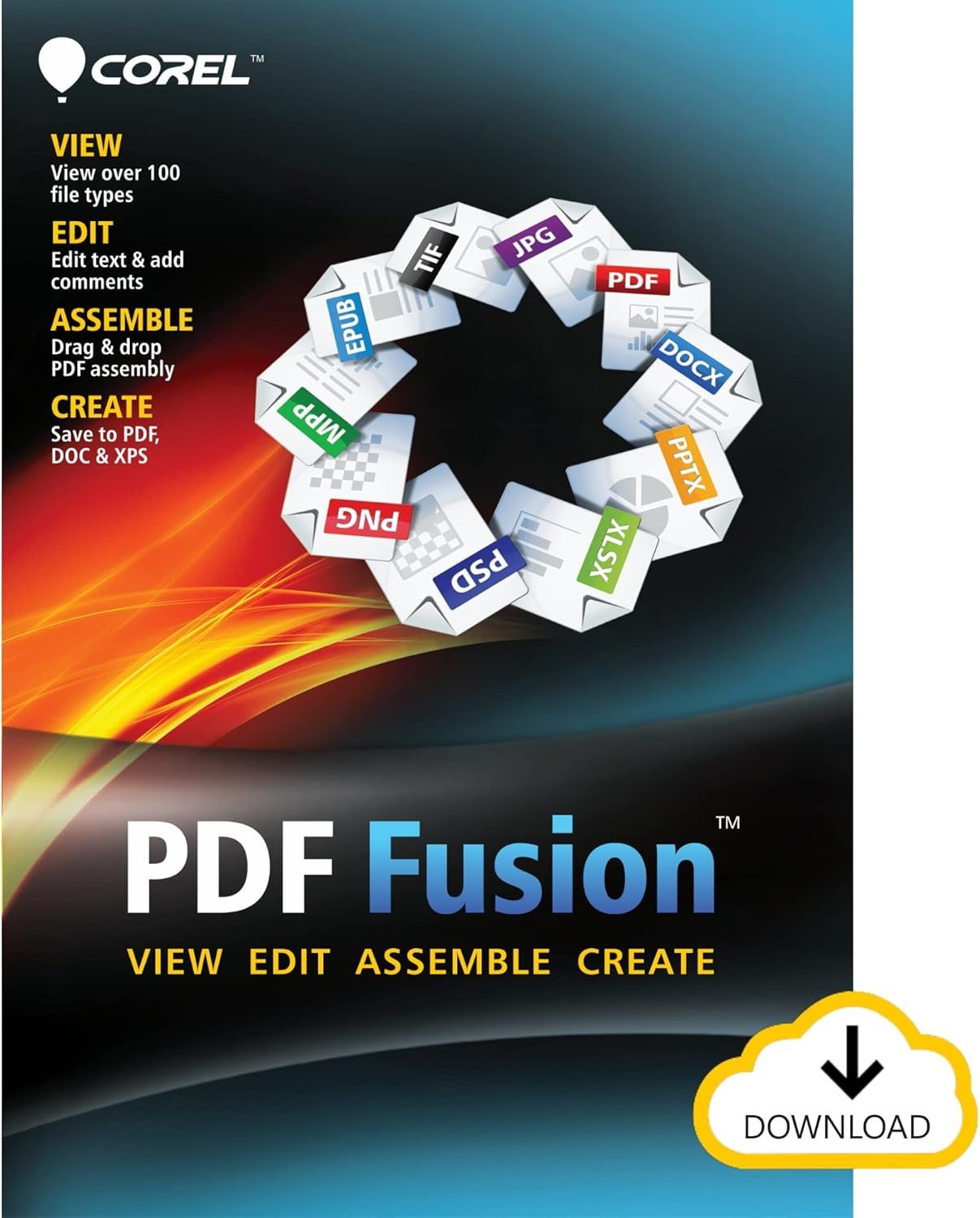
Struggling with scattered documents and clunky file conversions? Meet Corel PDF Fusion, your ultimate document management companion that streamlines everything into one powerful, user-friendly interface. Whether you're a student organizing research papers, a professional managing client presentations, or an office worker juggling multiple file formats, this intuitive tool transforms your digital workspace from chaotic to coordinated.
Corel PDF Fusion eliminates the headache of switching between different applications by supporting over 100 file types right out of the box. Simply drag your Word documents, Excel spreadsheets, PowerPoint presentations, or image files into the Welcome Screen, and watch as they instantly become editable PDF elements. Need to combine pages from three different reports into one cohesive document? Just select the pages you want, drag them together, and—presto—you've got a perfectly assembled PDF ready for sharing or printing.
Forget about reformatting documents from scratch. Corel PDF Fusion lets you add new text directly onto existing pages, insert professional bookmarks for easy navigation, and leave comments using intuitive markup tools. The interface feels familiar to anyone who's used basic document software, so there's no steep learning curve. When you're done, export your work in multiple formats—PDF for sharing, XPS for compatibility, or DOC for further editing in Microsoft Word.
Imagine compiling quarterly reports from various department files, creating student portfolios from different assignment submissions, or assembling a client presentation from multiple contributors. With Corel PDF Fusion, these tasks become effortless. The drag-and-drop functionality means you can work quickly without getting bogged down in technical details, while the professional output ensures your documents always look polished and presentable.
Built for anyone who handles documents regularly, Corel PDF Fusion delivers the flexibility and power you need to take control of your digital paperwork. Stop juggling multiple programs and start creating with confidence—your document workflow will never be the same.