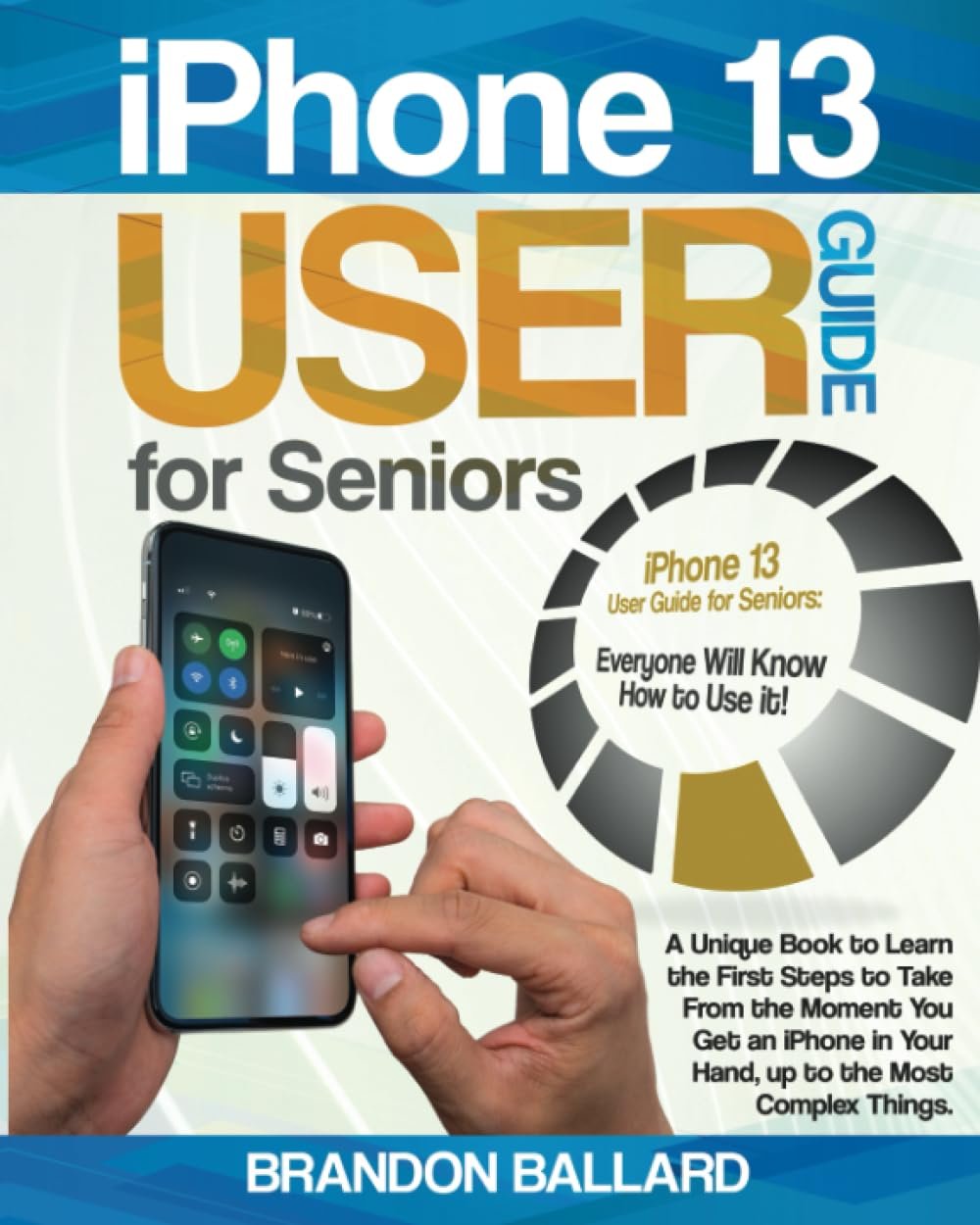
Ever handed a shiny new iPhone 13 to a parent or grandparent and watched their eyes glaze over at all the buttons and screens? We've all been there. This iPhone 13 User Guide for Seniors by Brandon Ballard changes that, making Apple's latest tech feel approachable and fun, even if you're not a digital native.
Smartphones pack more power than ever, but the learning curve can be steep—especially with updates like iOS 16 throwing in new twists. Small icons, swipe gestures, and buried settings leave many feeling lost. This book starts right where you are: the moment you unbox your iPhone 13. It covers the phone's sleek design, 6.1-inch Super Retina display, dual cameras for crisp photos and 4K video, and up to 512GB storage, so you know exactly what you're holding.
Brandon breaks it down simply:
Imagine pulling out your iPhone at a coffee shop to check emails without fumbling, or capturing grandkids' soccer goals in stunning detail. Set reminders for meds, share photos instantly, or get turn-by-turn directions on a road trip. It's not just about features—it's about staying connected, independent, and in the loop with the world.
Updated for 2023 with the latest iOS tweaks, this paperback sits by your side like a patient teacher. No jargon, just plain talk and screenshots to guide you. Seniors rave about finally ditching frustration for smooth sailing. Grab your copy and turn that iPhone into your best buddy today.