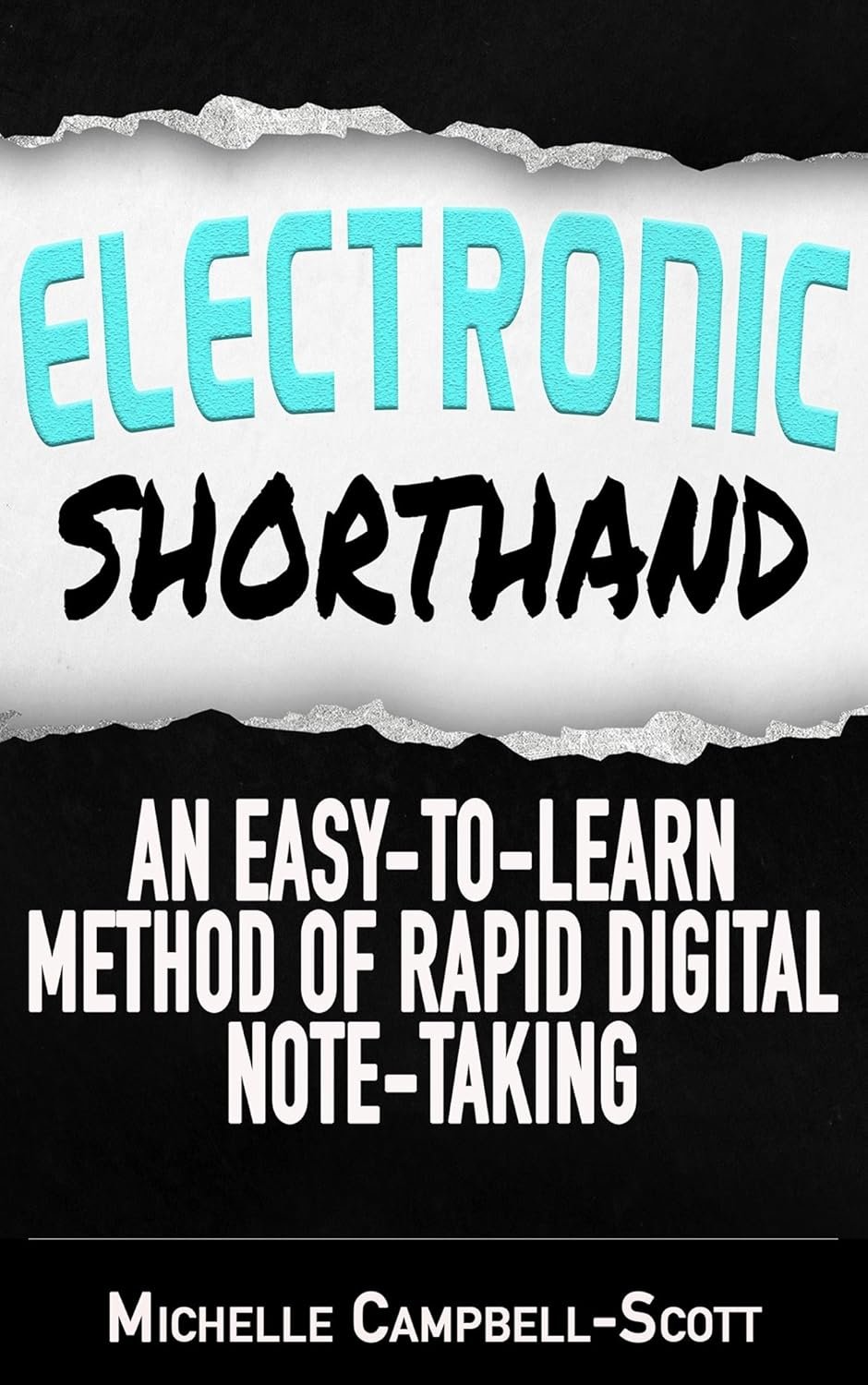
If you often find yourself reaching for a pen that’s nowhere to be found, then the Electronic Shorthand method is designed just for you! This innovative technique is part of The Digital Notetaking Series and provides a simple solution to rapid note-taking on electronic devices such as smartphones, tablets, or computers. Particularly helpful for students, business professionals, and anyone with busy schedules, Electronic Shorthand makes it easy to jot down information without the hassle of traditional shorthand methods.
Unlike older shorthand systems that require an extensive learning period covering complicated language rules, Electronic Shorthand is akin to texting! With just a few simple principles to lean on, you can start taking organized notes that you’ll easily read back, eliminating concerns about legibility. This method allows you to spend more time engaged in your studies or business without worrying about how to document conversations or ideas.
Take a few hours to learn Electronic Shorthand, and you will gain the ability to take extensive notes quickly and with confidence. Because these notes are stored in the cloud, you won’t have to worry about misplacing physical notebooks or papers. Plus, you can set up your device to translate your shorthand back into full English, making it even more efficient for review or sharing with others.
This note-taking system is not only ideal for students but also a perfect companion for reporters. If you find yourself often needing to record interviews or meetings, ditch the years of training involved in mastering traditional shorthand systems like Pitman, Gregg, or Teeline. Business professionals likewise appreciate the convenience of quickly capturing client briefs, networking contacts, and personal notes.
Don’t let the traditional method bog you down any longer. Electronic Shorthand is here to save you from the hassle, confusion, and stress typically associated with note-taking.
To further enhance your experience, check out our Electronic Shorthand Dictionary for all the terms and shortcuts you'll need!