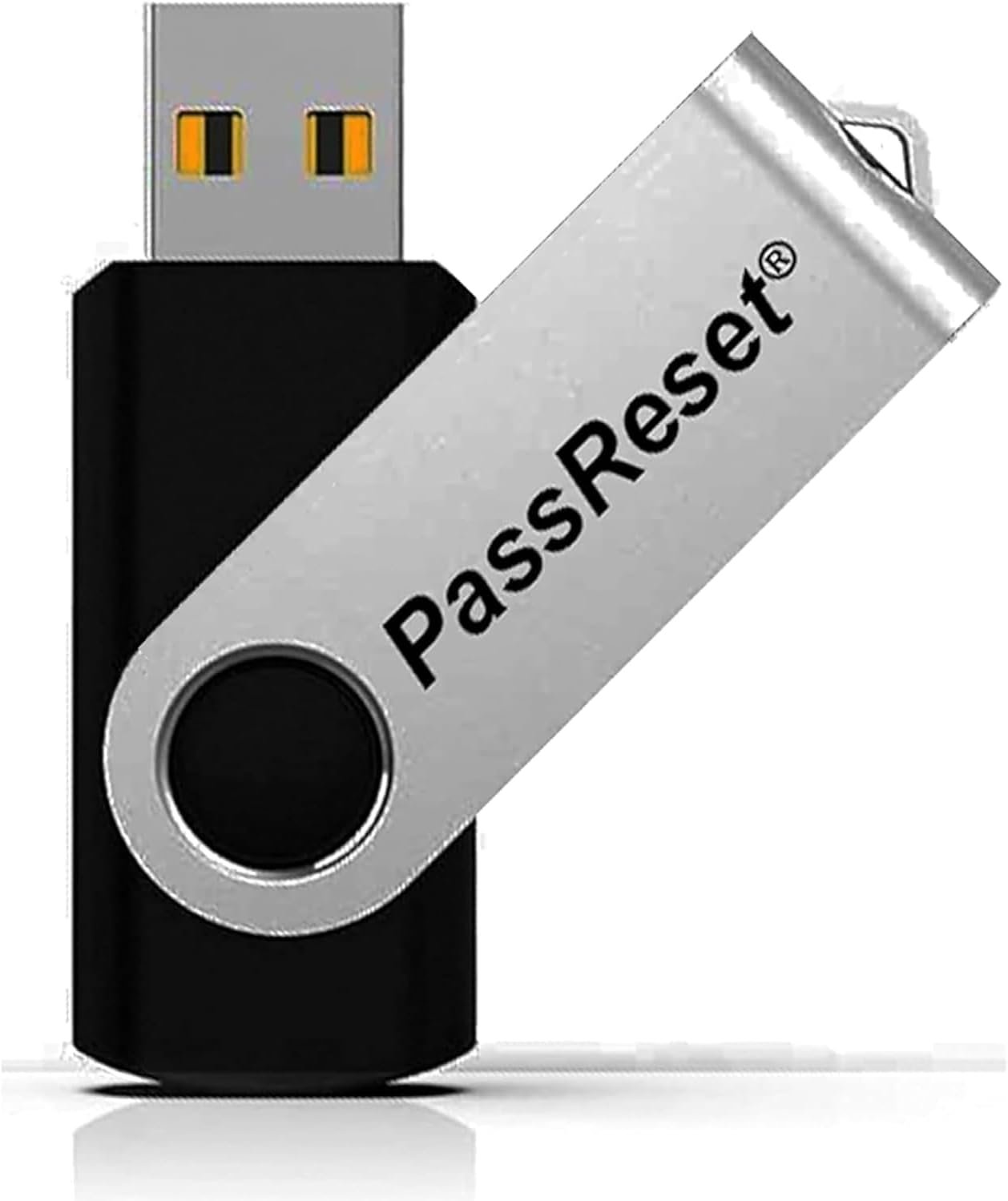
Picture this: you're rushing to finish a project, but your Windows login password slips your mind. Panic sets in as you realize your files, photos, and work are just a click away—but not without that key. That's where the PassReset USB comes in, a straightforward tool designed to reset forgotten Windows user passwords and get you back to what matters.
Forgetting a password happens to everyone, whether it's the admin account on your home desktop or a secondary user on your work laptop. Traditional fixes often involve risky data wipes or calling in expensive IT help, which can take hours or days. You don't want to lose years of documents or family pictures just because of a momentary lapse. This USB addresses that exact pain point, ensuring your data stays safe while restoring access swiftly.
slips right into your USB port and boots up in moments. Select the locked user account from the intuitive interface, hit remove password, and reboot—your PC is yours again. It's compatible with every major Windows edition, including 11, 10, 8.1, 7, Vista, XP, and even servers, working flawlessly on brands like Dell, HP, Lenovo, or custom builds. No need for advanced tech skills; if you can boot from USB (a quick BIOS tweak most know), you're set. Importantly, it only targets Windows user logins—Wi-Fi, email, or BitLocker passwords need separate handling, but for OS access, it's spot-on.
The real win? Zero data loss. Your installed programs, settings, and files remain untouched, unlike reformatting disasters. It's fast—often under five minutes from boot to login—saving you time and stress. Users rave about how it turns a potential nightmare into a minor hiccup, especially for parents managing kid accounts or professionals securing admin rights. Plus, with its compact design, it fits easily in your drawer or keychain, ready whenever you need it.
Keep this USB handy for home setups, office machines, or even as a backup for elderly relatives who occasionally forget logins. Before using, ensure your PC meets basic specs: any Windows OS, 2GB RAM, 20GB drive space, and a 64-bit processor. Boot from USB by entering BIOS (usually F2, Del, or Esc at startup) and setting it as first priority. Test it on an unlocked machine if you're new to the process. In scenarios like shared family computers or sudden password changes, it's a lifesaver, restoring peace without the drama of lost access.
Grab the PassReset USB today and forget about password lockout worries. It's the simple, reliable way to stay in control of your digital world.