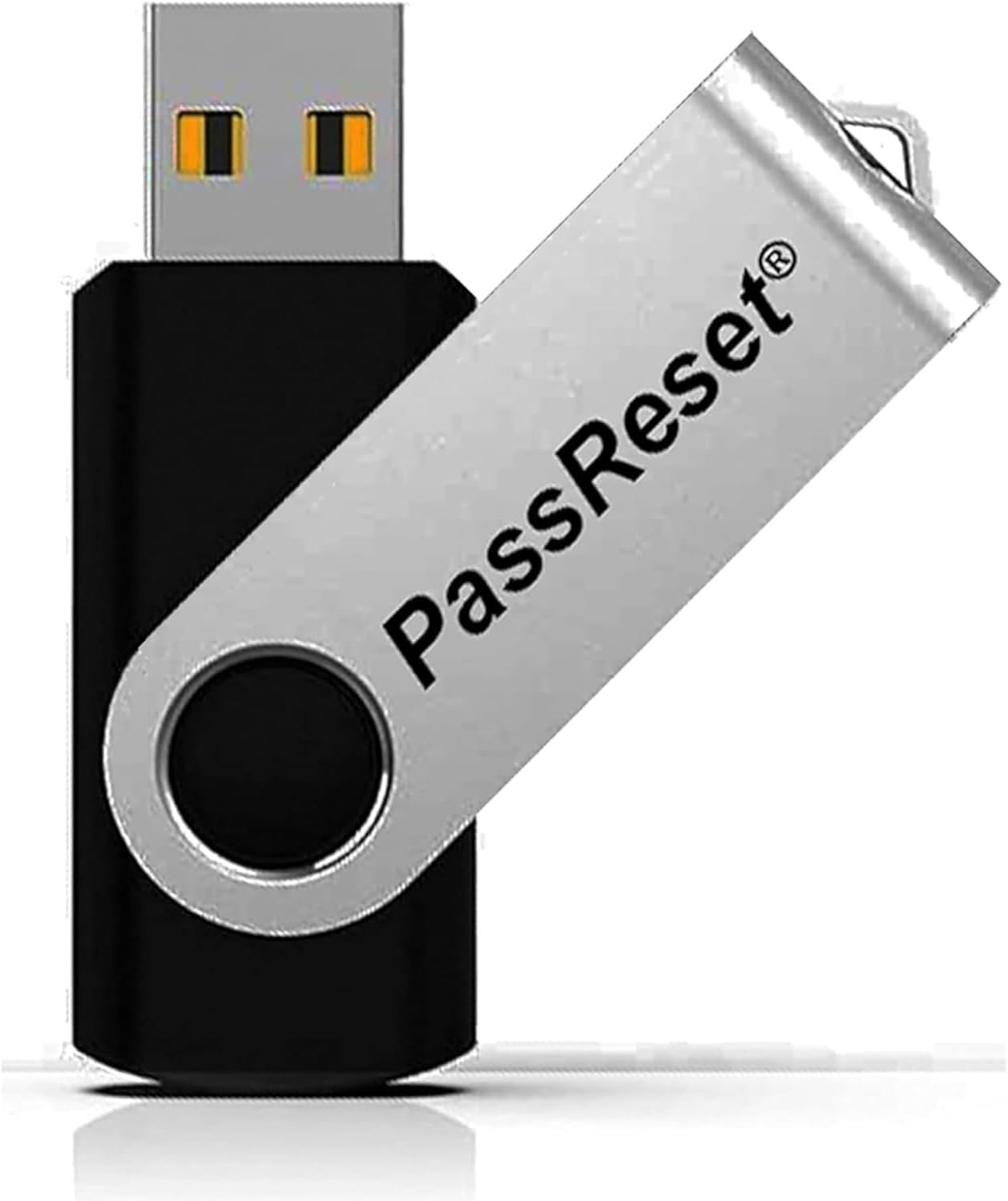
Picture this: You fire up your laptop for an important meeting, or grab the family desktop to check emails, and bam—forgotten password. No admin access, no way in. It's frustrating, especially when your files, photos, and work are trapped inside. That's where this PassReset USB comes in, a straightforward fix that gets you back without drama.
Whether it's your own slip-up, a kid messing with the family PC, or inheriting an old machine from work, Windows passwords can lock you out cold. Reinstalling the OS? That's hours of hassle and potential data wipe. Calling IT support? Not always an option, and it costs time. You need something simple that works on Windows 11 down to XP, Vista, and Servers—across Dell, HP, Lenovo, or any brand.
This USB drive is pre-loaded and ready. Here's how it goes down:
Done in under five minutes, usually. No touching your hard drive, Wi-Fi keys, BitLocker, or other accounts stay safe.
Safety first: It only resets local Windows user passwords and PINs. Your data remains untouched—documents, apps, settings all there. We've all been there with crusty old hardware; this breathes life back without upgrades. On a modern setup? Same quick win. Requires basic specs like 2GB RAM and a 64-bit CPU, which covers most machines post-2005.
Handy for parents resetting kid-locked home PCs, freelancers recovering client laptops, or anyone decluttering an attic-find desktop. Stash it in your tech drawer next to that spare charger. Next time a password vanishes, you're the hero—no panic, no data roulette.
Grab this Windows password recovery USB today and sidestep lockout headaches for good. It's the quiet essential every PC owner should have.