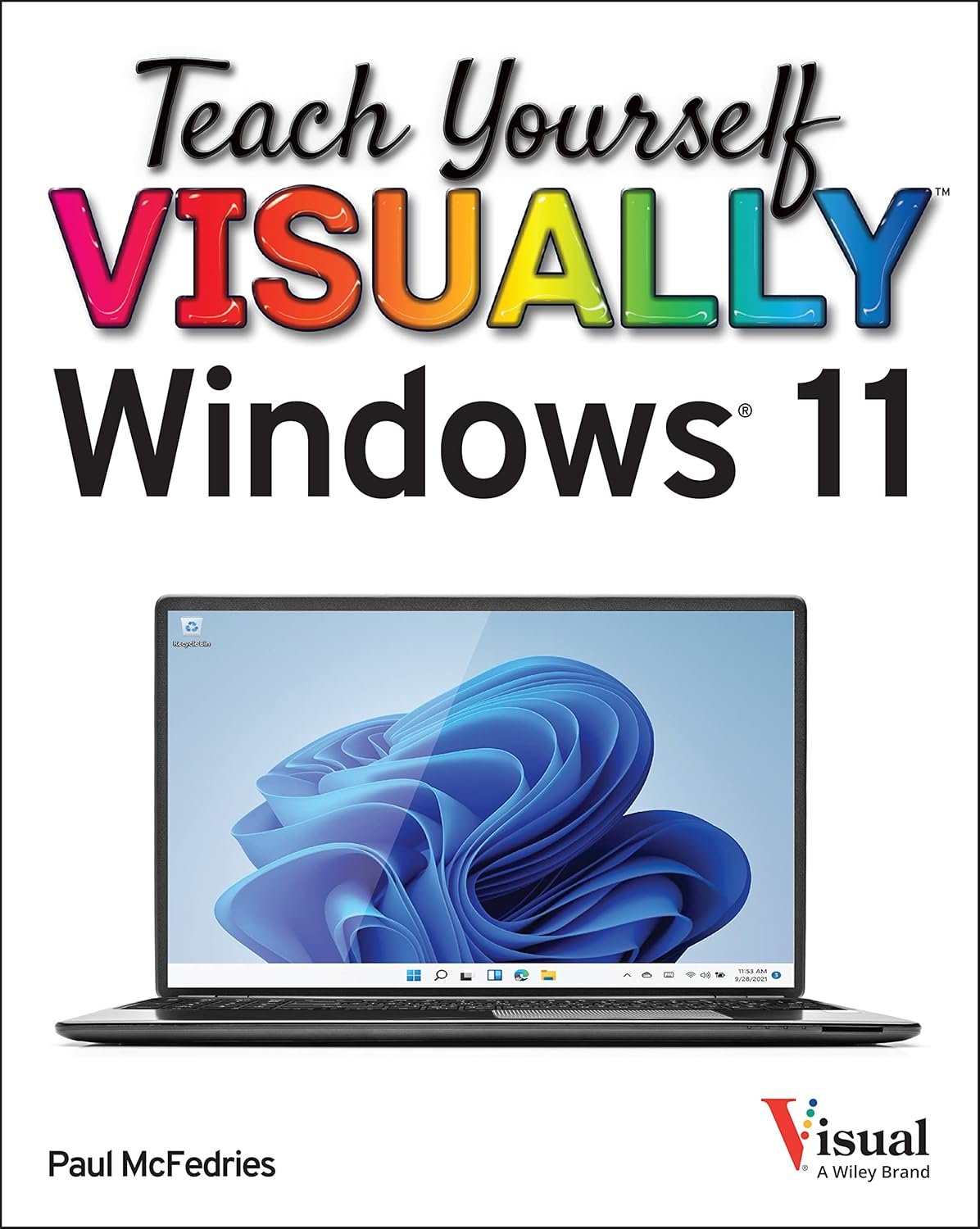
Boot up Windows 11 and that sleek new interface stares back—beautiful, but bewildering if you're coming from older versions or switching from another OS. Tasks that used to be straightforward now involve Snap Layouts, centered Start menus, and widgets that seem to have a mind of their own. If you've ever fumbled through settings or wondered how to securely share your PC with kids, this Teach Yourself VISUALLY Windows 11 book is your friendly roadmap.
Forget dense manuals packed with jargon. This book shines with over 500 full-color screenshots paired with numbered steps, showing exactly where to click and what you'll see. It's designed for visual learners who grasp concepts faster when they see them in action—no guessing required.
Customization is a breeze too—personalize themes, set up multiple desktops, and create accounts for family members so everyone stays in their own space.
Picture this: You're setting up your home PC for back-to-school. In minutes, you've pinned apps for the kids, enabled parental controls, and snapped windows side-by-side for multitasking homework and Zoom. Or maybe you're a remote worker tweaking notifications and virtual desktops to boost productivity. Seniors appreciate the large visuals for enlarging text or connecting to printers seamlessly.
Whether upgrading from Windows 10, helping parents, or just wanting to unlock hidden features like voice typing and focus modes, this guide delivers practical know-how. It covers troubleshooting common glitches, like forgotten passwords or slow startups, with straightforward fixes.
At around 300 pages, it's comprehensive yet concise—flip to any section and start learning. Visual tutorials on backups and updates ensure your PC runs smoothly long-term. Grab this and turn Windows 11 overwhelm into ownership, one clear image at a time.