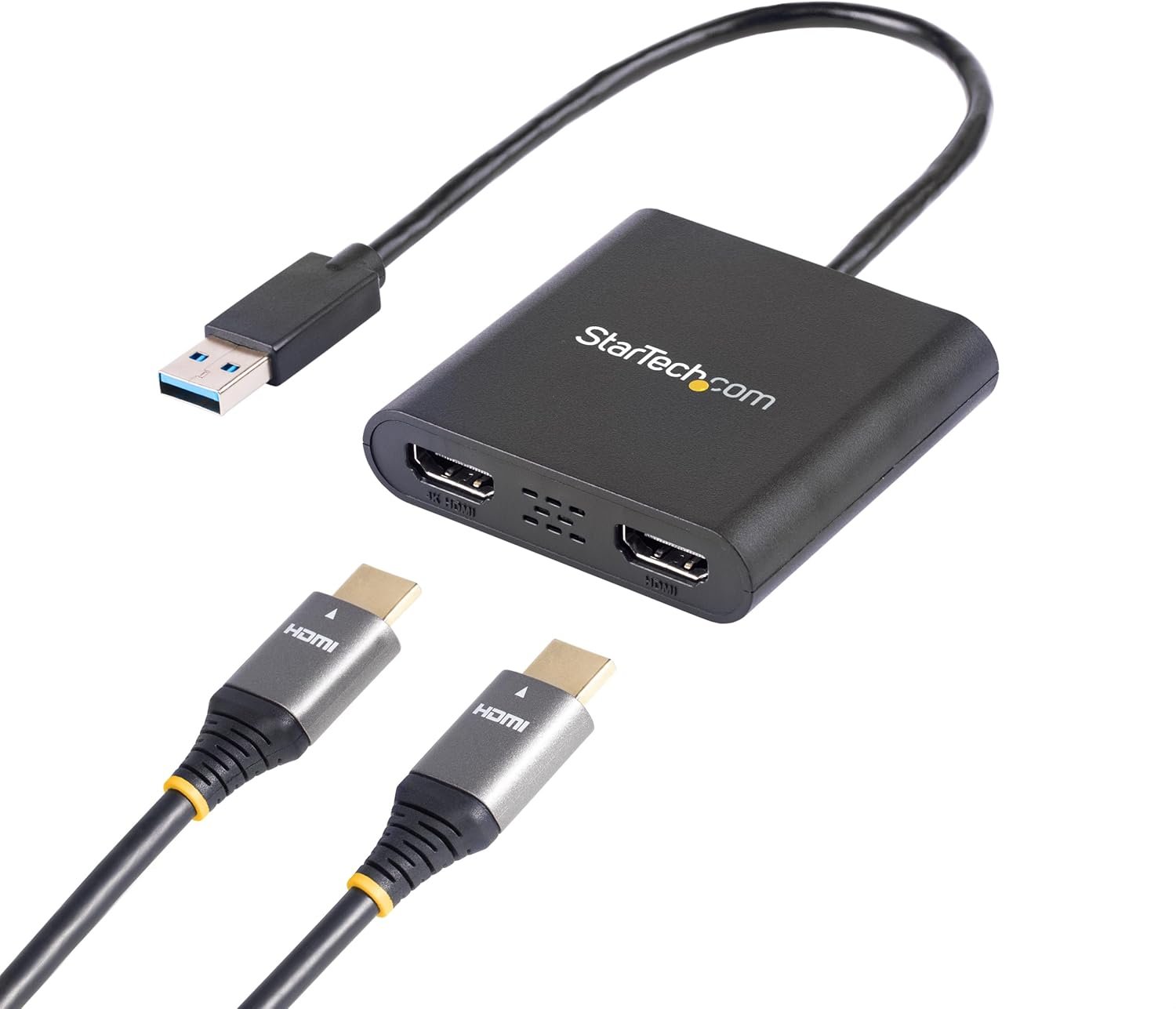
Struggling with limited screen real estate on your Windows laptop or desktop? This USB 3.0 to Dual HDMI adapter is your simple, affordable solution for expanding your workspace without hardware upgrades.
This compact USB-powered adapter lets you connect two independent HDMI displays to your computer using just one USB 3.0 port. One of the HDMI outputs supports resolutions up to 4K at 30Hz, while the second handles up to 1920 x 1200. Whether you're working with spreadsheets, coding, video editing, or just need more desktop space, this adapter gives you the flexibility to add monitors to any Windows computer that lacks built-in multi-display support.
Unlike older USB adapters, this model leverages the high-bandwidth USB 3.0 interface for smooth performance. You'll notice faster document scrolling, smoother video playback, and overall better responsiveness compared to USB 2.0 alternatives. The adapter works seamlessly with laptops, desktops, and workstations running Windows, and it's particularly useful for systems that don't support Multi-Stream Transport (MST) or have limited video ports.
For Professionals: Extend your primary display to a 4K monitor for detailed work while keeping secondary apps on another screen. Perfect for financial analysts, designers, and developers who need maximum visual workspace.
For Students: Mirror your laptop to an HDMI projector for presentations, or use both monitors for taking notes while viewing course materials simultaneously.
For Home Users: Connect a 4K TV as a second monitor for media consumption while keeping your main display for work.
Built with reliability in mind, this adapter is backed by a 3-year warranty and free lifetime technical support. It's TAA compliant for government and enterprise use, and the plug-and-play installation gets you up and running in minutes without requiring drivers for most Windows systems.