Picture this: You fire up your laptop after a long day, coffee in hand, only to stare at that dreaded login screen. Forgot the password? Shared the PC with family and now it's locked? We've all been there—that sinking feeling when your own computer turns against you.
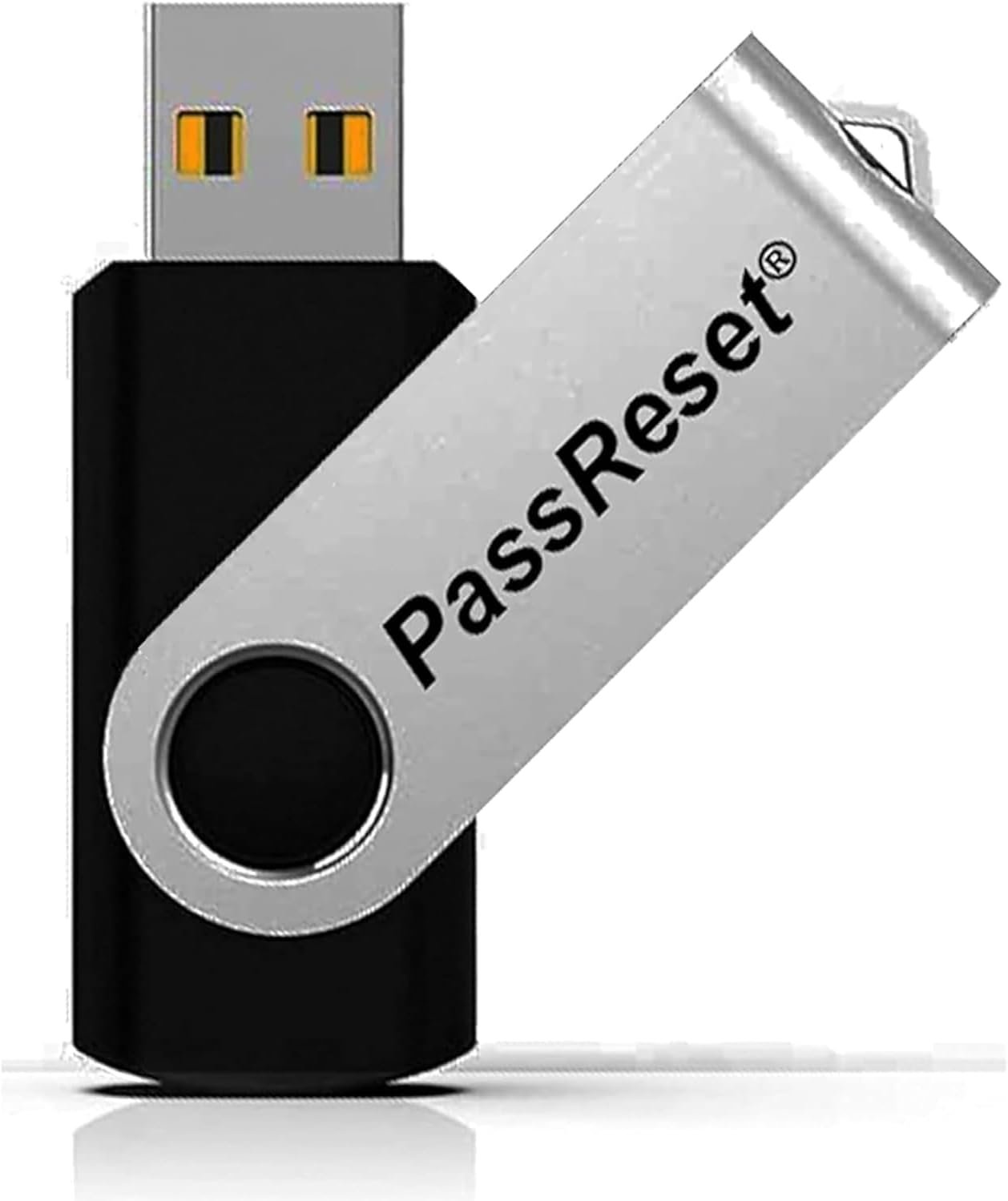
Enter the PassReset USB, a straightforward tool designed for moments like these. Just plug it into another working computer to set it up (quick process), then boot your locked PC from it. In a few clicks, select the user account, hit 'Remove Password,' and you're in. No tech wizardry needed, and importantly, zero risk to your files, photos, or programs.
This little lifesaver covers all Windows versions: 11, 10, 8.1, 7, Vista, XP, even Servers. Doesn't matter if it's a Dell, HP, Lenovo, or some obscure brand— as long as it's running Windows, it'll handle the job. Forgot your PIN? Same deal. Admin account locked? Yep, it resets that too.
Think about the office worker who reset their home laptop before a deadline crunch. Or the parent reclaiming the family desktop from a kid's forgotten code. Even IT pros keep one handy for client machines. It's compact, fits in your wallet, and requires minimal setup: another PC with 2GB RAM, 20GB space, and basic peripherals.
The beauty is in the speed—under 60 seconds from boot to access. No subscriptions, no software downloads that could glitch. Just pure, reliable recovery. Stash it in your desk drawer or tech bag, and forget about password panics forever. Next time you're locked out searching 'how to reset Windows password,' remember: you've got the tool ready to go.